From sign-up to shipped in your first ten minutes
Set up your workspace, pin feedback on your live app, and hand the work to your agent. Four short steps — with the real screens you’ll see.
Set up your workspace
Your whole team, one workspace. Create it, add the app you want feedback on, and invite the people who’ll weigh in.
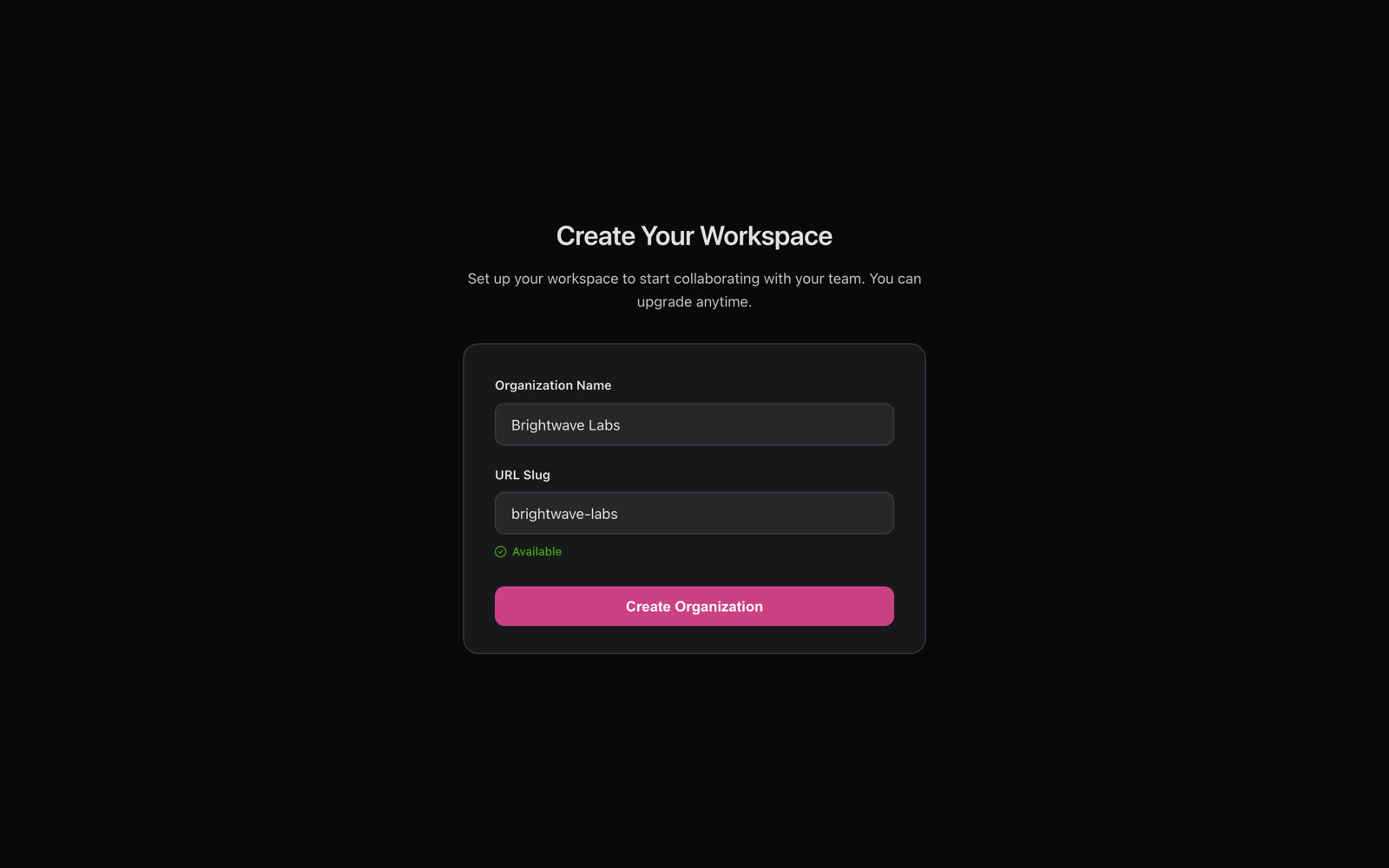
Create your workspace
Name your organization and you are in. Everyone you invite shares it.
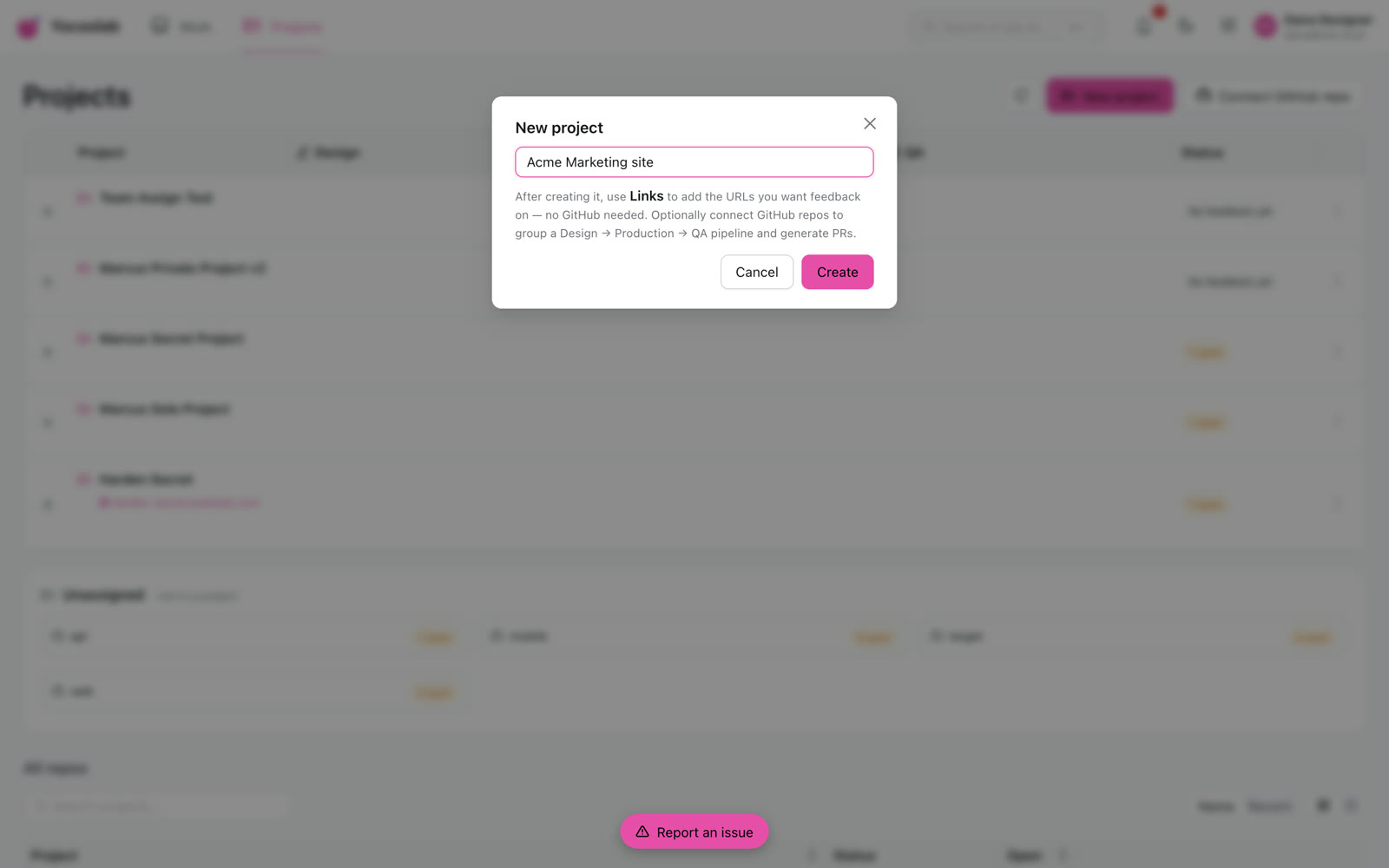
Add a project and its links
Create a project, then add the URLs you want feedback on. No GitHub required.
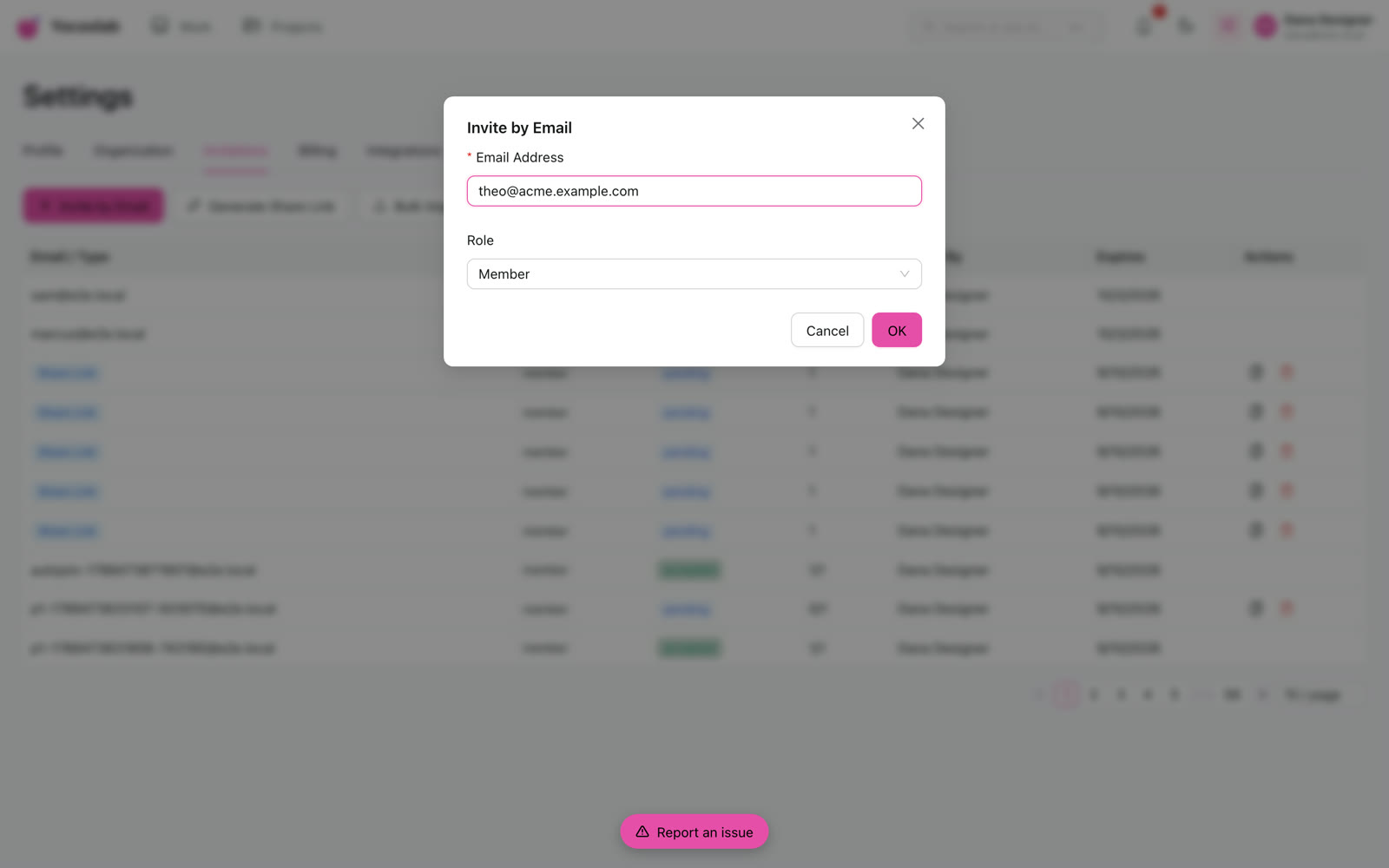
Invite your team
Invite collaborators by email. Everyone can comment and react — free.
Pin a comment on the real thing
Open Yocoolab on your live app and click the exact element. The screenshot, the element and the page context are captured for you — no repro steps, no “which button?”.
- Hit Pin comment, then click the element you mean.
- Write what you want changed and post it.
- Every thread lands in Work for your team to triage.
Turn a sketch into HTML
From any thread, open the built-in design tool and draw the change straight onto the screenshot. Generate turns your sketch into a self-contained HTML file — running on your own local model.
- Open “Mark up a screenshot” from the thread.
- Sketch the change on the canvas.
- Generate builds the HTML on your machine — your design never leaves it.

Send the work to your agent
The whole thread — element, screenshot and context — is ready for your coding agent. Paste it in, send it straight through, or let a scheduled agent pick it up and ship it.
- Copy thread text into Claude Code, Cursor or any agent.
- Or pick your agent and hit Build to send it through Yocoolab.
- Or set up a cron agent to grab new threads and open the PRs for you.
Point at it. Ship it.
Install the extension, pin your first comment, and send it to your agent. Free for your whole team, in beta.